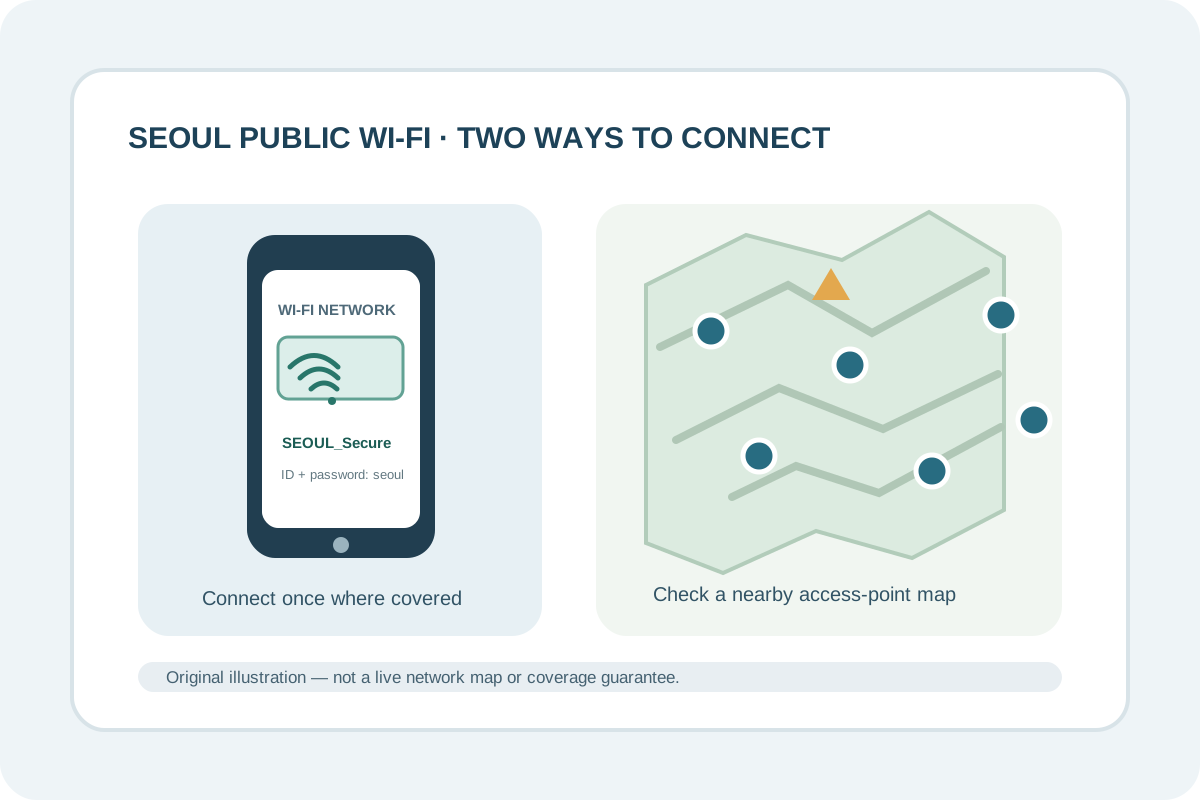
Seoul operates a free public Wi-Fi network at many streets, traditional markets, parks, bus stops, tourist sites, cultural facilities, and city buses. The city recommends SEOUL_Secure: connect once, enter seoul as both the ID and password, and your device can reconnect automatically in covered locations. The separate SEOUL network uses a browser page where you select general access each time.
Connect to the city network
- Open Wi-Fi settings and look for the exact network SEOUL_Secure.
- Select it and enter
seoulfor both the ID and password on the first connection. - Follow your device’s sign-in prompt. Seoul says its secure network uses WPA2/WPA3-Enterprise depending on device support; the system and certificate prompts can look different across phones.
- If your device cannot complete the secure sign-in, use the city’s SEOUL general-access option only if it appears in your Wi-Fi list. Select general access on its web page; you may need to repeat this at another location.
These instructions follow Seoul’s current public Wi-Fi guide, updated 16 October 2026. That page is in Korean. The English-language Visit Seoul connectivity guide also lists Wi-Fi availability in public places, but its hotspot counts and price examples are older and are not used here.
Find a nearby access point
Use Seoul’s official Public Wi-Fi location map before you set out. Search or move the map around your destination, then check for a registered point near the street, park, bus stop, or facility you plan to use. The map’s public-space listing is a planning aid; a marker does not confirm that a particular access point is working right now or that the signal reaches inside every room or vehicle.
The city lists public Wi-Fi in many shared places, including major streets, markets, parks and streams, bus stops, tourist attractions, cultural and welfare facilities, and city or neighborhood buses. Coverage can differ by block and site. Keep your accommodation’s address, transit directions, and any timed booking details saved offline before relying on a connection outdoors.
If you cannot connect
- Confirm the network name against Seoul’s official guide or posted city Wi-Fi sign. Do not assume a similarly named network is operated by Seoul.
- If the secure network rejects your device’s sign-in, avoid guessing advanced certificate settings. Try the general network if available, ask the facility operator, or switch to your own mobile connection.
- If you need reliable data for maps, reservations, translation, or an urgent message, keep mobile data available. Compare your options in our SIM, eSIM, and portable Wi-Fi guide.
For a network-service inquiry, Seoul lists the Public Wi-Fi Operations Center at 02-2133-0022. This local number may not be reachable from every data-only SIM; use the facility’s staff or your connectivity provider if you cannot call.
Sources checked 17 November 2026. Network names, service areas, and sign-in prompts can change; recheck Seoul’s current guide when you travel.