Emergency Ready App Korea 2026: English Alerts & Safety Guide
Stop panic with the 2026 Emergency Ready App guide. Join 1.7 million residents getting English alerts, shelter maps, and vital safety updates instantly.
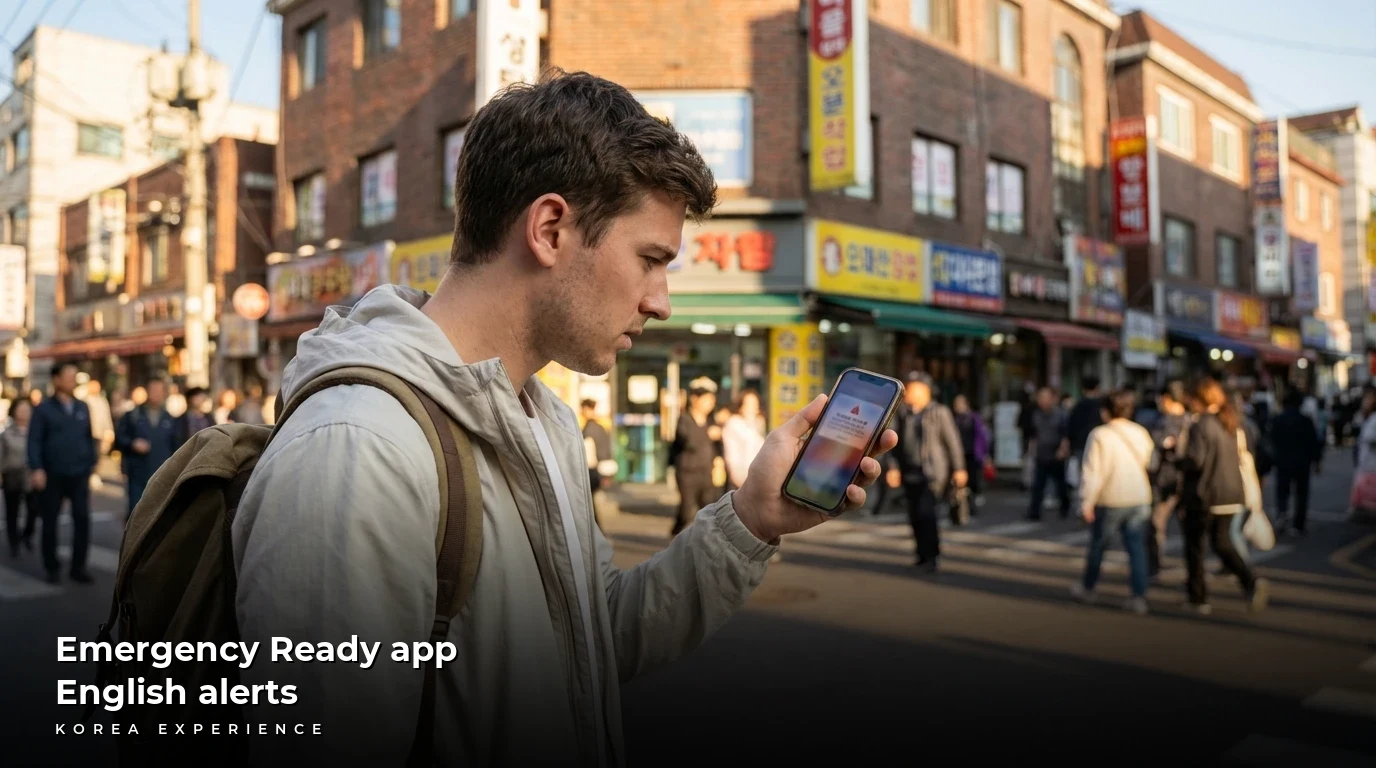
You are dead asleep in your Seoul Airbnb when your phone starts screaming like a banshee. Welcome to Korea?s emergency alert system! If you have ever experienced the heart-stopping wail of a Korean smartphone alert at 3 AM, you know the specific panic that follows. Is it an earthquake? A missile? Or just a heavy rain advisory?
For years, foreign residents and tourists were left guessing, staring at a wall of Hangul text while locals calmly went about their day. Here is exactly how to stop panicking, download the government's "Emergency Ready App," and finally understand what those terrifying messages actually mean. Whether you are here for a weekend or a year, this guide ensures you stay connected and safe.
To ensure your phone can actually receive these data-based alerts, make sure your connectivity is sorted before you land. Check out our guide on eSIM vs USIM vs Pocket Wi-Fi Korea 2026 to keep your device online for these critical updates.
Key Takeaways
- 1The standard emergency alerts broadcast to all phones in Korea are almost exclusively in Korean, making the 'Emergency Ready App' (Safety Stepping Stone) essential for non-speakers.
- 2Over 1.7 million foreign residents can now access vital safety information in English, Chinese, Japanese, Thai, and Vietnamese thanks to recent government updates.
- 3You must configure the 'Region' settings immediately after downloading, or your battery will drain rapidly from receiving alerts for the entire country.
📋 Quick Facts
Why You Need the Emergency Ready App
The short answer is simple: peace of mind. South Korea's public alert system is aggressive. The culture of Ppalli Ppalli (Hurry, Hurry) applies to safety just as much as it does to food delivery. The government broadcasts texts via the Cell Broadcasting Service (CBS) for everything from missing elderly people to actual air raid drills.
However, the standard system broadcasts texts in Korean. This is useless if you cannot read the language fast enough to decide if you need to evacuate. The Emergency Ready App (also known as Safety Stepping Stone or Anjeon Didimdol) is the Ministry of the Interior and Safety's (MOIS) official solution for foreigners. It intercepts these data streams and pushes them to you in English.
It is not perfect?sometimes the English is a bit broken?but it tells you the category of the emergency instantly. Is it "Heavy Rain" or "Civil Defense Drill"? That distinction is worth its weight in gold when your adrenaline is spiking. While you can buy physical survival gear at local shops?see our Daiso Korea 2026 Survival Guide?this app is the digital survival tool you cannot afford to skip.
Initial Launch
The Ministry of the Interior and Safety (MOIS) launches the 'Emergency Ready App' for foreigners.
PyeongChang Prep
Major updates rolled out to support tourists visiting for the Winter Olympics, improving map data.
Language Expansion
Support expanded to include Thai and Vietnamese, alongside English, Chinese, and Japanese.
Drill Integration
Civil Defense Drills (Minbangwi) resumed regular schedules; app integrated real-time shelter routing.
Data Center Fixes
Backend stability reinforced to prevent alert outages after previous server issues.
Current State
App features improved UI and reliability, serving over 1.7 million foreign residents.
Comparing Your Alert Options
When your phone buzzes, you have a few ways to handle the situation. Let's break them down so you can choose the strategy that fits your trip.
| Feature | Emergency Ready App | Standard OS Alerts | Papago App |
|---|---|---|---|
| Cost | Free | Free | Free |
| Processing Time | Instant Push Notification | Instant Broadcast | Slow (Screenshot + Upload) |
| Language | English (Auto-translated) | Korean (Hangul) | English (High accuracy) |
| Requirements | Data/WiFi Connection | Cellular Signal Only | Data + Screenshot |
| Best For | Expats & Tourists | Locals & Korean Speakers | Deciphering complex alerts |
| 2026 Changes | Expanded language support | No major changes | Improved AI context |
Option A: The "Set It and Forget It" Method (Recommended)
This is what we recommend for everyone living here or staying longer than a week. You download the app, set your region to your neighborhood, and let it run in the background. If you are a digital nomad working in a cafe in Hongdae and the siren goes off, your phone pings with a push notification: "Mapo-gu Heavy Rain Advisory." You can sip your latte and keep working.
Option B: The "Tourist" Method (Papago)
If you are only here for a few days, you might rely on Papago. When the loud CBS alert blasts, you take a screenshot of the Korean text, open Papago, upload the image, and highlight the text. This works, but it takes time. In a real emergency like a fire, those 30 seconds of fumbling with screenshots could be critical.
Pros and Cons of the App
Pros
- ✓English Accessibility: Unless your Korean is fluent, reading emergency texts at 3 AM is a nightmare. This app pushes the alert in English.
- ✓Map Integration: Shows exactly where the nearest civil defense shelter, emergency room, or police station is relative to your GPS location.
- ✓119 Direct Connection: Dedicated button connects you to emergency services, crucial if you panic and forget the number.
Cons
- ✗Battery Drain: If you do not configure region settings, it pings your GPS constantly and wakes your screen for alerts nationwide.
- ✗Translation Quality: Messages can be riddles (e.g., 'The sky is angry with water' instead of 'Heavy Rain Warning').
- ✗Lag Time: Standard Korean text blasts hit instantly via cell towers; the app relies on data push notifications which can arrive 1-2 minutes later.
Step-by-Step Setup Guide
I learned this the hard way after waking up to alerts from a city I lived in three years ago because I never updated my settings. Follow this guide to get it right the first time.
📖 How to Master the Emergency Ready App in 5 Minutes
Step 1: Download and Initial Setup
Search for 'Emergency Ready App' (or 'Safety Stepping Stone') by MOIS in the App Store or Google Play. Accept location permissions.
Step 2: Configure Your Language
If it boots in Korean, find the gear icon (Settings/Seoljeong). Select 'Language' and choose English. The interface will reload.
Step 3: The Critical Region Setting
Go to Settings > Receive Area. Toggle 'ON' and select your City (e.g., Seoul) and District (e.g., Mapo-gu).
Step 4: Familiarize with Dashboard
Tap 'Shelter' to see the map populate. It caches data, which helps if cell service gets spotty.
Advanced Features: Drills and Medical Help
Civil Defense Drills (Minbangwi)
As of 2026, Korea conducts regular Civil Defense Drills, usually in May and August. Sirens will wail for about 15-20 minutes. Cars must pull over, and pedestrians might be directed into subway stations. Do not panic; it is just a drill. The Emergency Ready App will usually send a notification before the drill starts to warn you it is a test.
During these times, public transit might be delayed or crowded. If you are navigating the subway system during a drill, having a loaded transit card is essential. Read our guide on the Seoul Climate Card 2026 to ensure you can move freely once the "All Clear" is given.
Finding Medical Help
The app has a robust directory of hospitals and pharmacies. However, if you need specific medication late at night, the app's map is a good starting point, but our dedicated guide to Seoul 24-Hour Pharmacies 2026 will give you more detailed information on English-speaking services.
Honestly, the scariest thing about Korea isn\'t the emergencies, it\'s the sound of the alerts. My biggest tip? Turn off the \'Sound\' toggle in the app settings but keep \'Vibrate\' on. The standard Korean alert will make the noise anyway; you don\'t need the app screaming at you in stereo a minute later. Also, copy-paste the Korean text into Papago if the app\'s English translation looks like gibberish?Papago is way smarter than the government app.
Critical Warnings and Tips
No Korean Phone/ARC? Read This
This is CRITICAL for tourists! Standard Korean Emergency Alerts (CBS) are broadcast via cell towers to any phone connected to the network, even if you don't have a SIM card or are just roaming. You will get the loud Korean alerts.
However, the Emergency Ready App requires data (WiFi or Roaming).
- If you are Data-less: You must rely on the loud Korean alerts. Take a screenshot and use Google Lens or Papago (offline mode) to translate.
- If you have a Data SIM (recommended): The app works perfectly without a Korean phone number or Alien Registration Card (ARC). It does not require identity verification like food delivery apps do.
The '1330' Life Hack: If the app says something confusing like "Evacuate to safe zone" but doesn't say where, dial 1330. It's the Korea Travel Helpline with a dedicated "Emergency Interpretation" service available 24/7. They can interpret for you over the phone with a doctor or 119 dispatcher.
The "Ghost" Vibration
Sometimes you will feel your phone buzz with a Korean alert, but the Emergency Ready App won't show anything for 5 minutes. This is normal lag. Do not assume "No app notification = False alarm." If the Korean text has the word Jijin, that means Earthquake. Memorize that word.
Frequently Asked Questions
❓ Frequently Asked Questions
Have more questions?Contact us →
Conclusion
If you are reading this from your hotel room or your apartment in Seoul, stop scrolling. Download the Emergency Ready App right now. Not later, not tomorrow. Now.
Set your region to where you are sleeping tonight. Turn on the sound (or at least vibrate). The next time that siren wails and everyone's phones light up in unison, you won't be the confused tourist looking around in fear. You will be the savvy traveler who glances at their phone, sees "Heat Wave Advisory," and calmly orders another iced Americano.
Stay safe, stay ready, and enjoy Korea! You've got this.
Sources
- Ministry of the Interior and Safety (MOIS) - Official guide on the Emergency Ready App features and installation.
- Korea.net - Details on the expansion of emergency alert languages and policy updates.
- Korea Herald - News regarding the addition of 5 languages and user statistics for 2024/2025.
- Korea Bizwire - Statistics on foreign residents benefitting from the app.
- U.S. Embassy in Korea - Information on Civil Defense Drills and embassy recommendations for the app.
About the Author
Korea Experience Team
Written by the Korea Experience editorial team - experts in Korean medical tourism, travel, and culture with years of research and firsthand experience.
Explore more in Living in Korea
Everything expats and long-term visitors need to know — from visa requirements and housing to banking, healthcare, and daily life tips.
Browse All Living in Korea ArticlesContinue Reading
Explore more articles you might find interesting

Find open pharmacies in Seoul past 1 AM. Learn the 2026 Simya system, 30% night surcharges, and the 13 safety meds available at convenience stores.
The complete 2026 guide to emergency medical care in Seoul. Find the best international hospitals, ER costs, and English-speaking services for travelers.

Learn the general patient-access rule in Korea, what representatives may need, and why fees and English translation vary by hospital.
Save 40-70% on Korean plastic surgery using the UNNI app. We reveal 2026 VAT refund updates and how to filter for CCTV safety in 1,800 verified clinics.

Discover why Korea ranks high for safety in 2026. Complete guide to 5 best areas, emergency apps, and daily budgets starting at ₩85,000.

Find the best English books in Seoul. From Kyobo Gwanghwamun's massive collection to hidden gems in Itaewon, here is your 2026 guide with prices and maps.