KakaoMetro 2026 Guide: Travel Time Secrets & Fast Transfer Hacks
Discover how KakaoMetro calculates travel time using 2026 telemetry and why the 65,000 KRW Climate Card is essential for your Seoul subway commute.
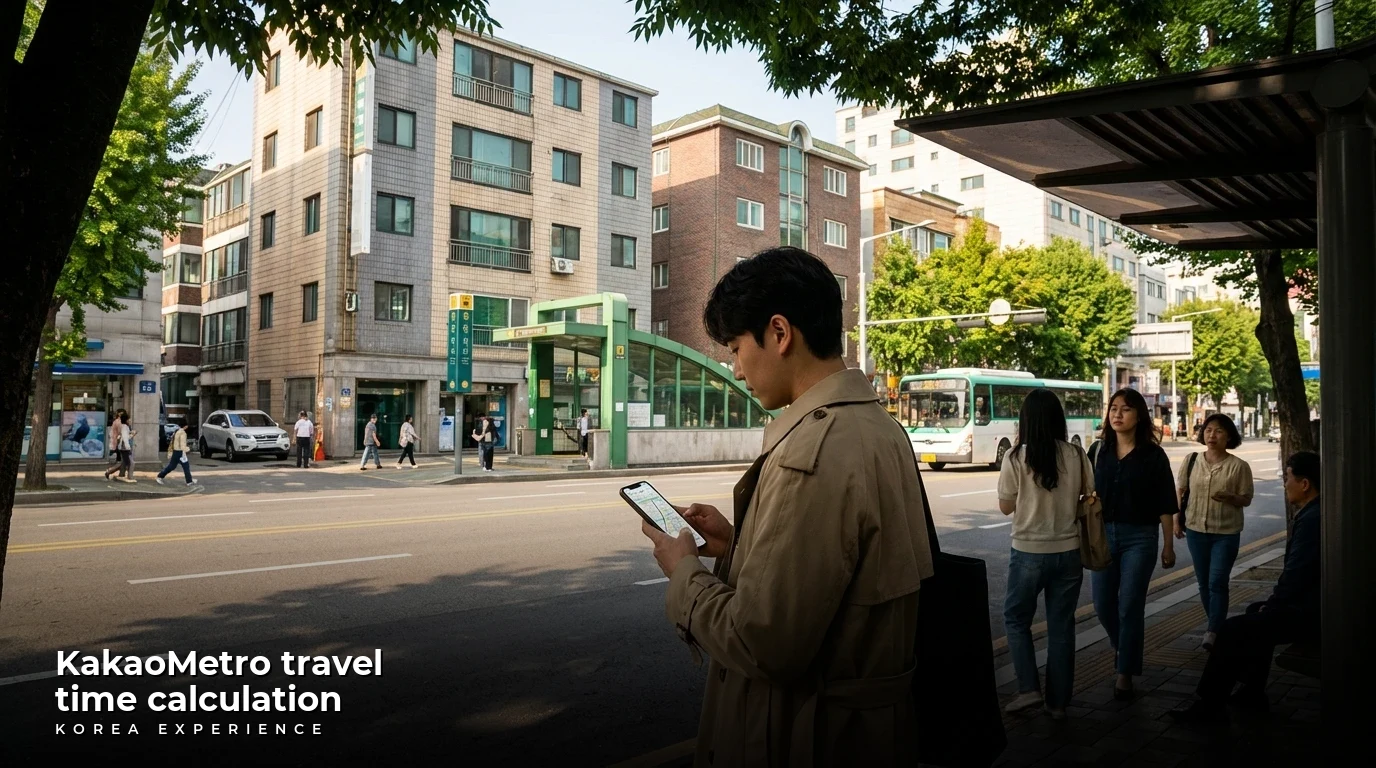
So you've just landed at Incheon Airport and you're staring at two cards at the convenience store—Climate Card and T-money. Which one do you actually need? Don't worry, I've got you covered.
Ever wondered why KakaoMetro tells you to stand at door "5-3" or why its travel time estimates are eerily accurate down to the second? I'm breaking down the tech, the "fast transfer" hacks, and the 2026 updates you need to survive Seoul's massive transit web.
If you are trying to decide between navigation tools, check out our comparison of KakaoMetro vs. Seoul Subway to see which interface suits your travel style best.
Key Takeaways
- 1KakaoMetro calculates 'human friction' by combining static timetables with real-time telemetry and hard-coded walking times for transfers.
- 2The 2026 Climate Card (65,000 KRW) offers unlimited subway, bus, and bike rides, potentially saving commuters over $50 monthly.
- 3Use KakaoMetro's 'Fast Transfer' feature to find specific door numbers (e.g., 9-2) that align perfectly with escalators.
📋 Quick Facts
Secrets of the Seoul Subway: How It Works
So, you want to know how KakaoMetro figures out exactly how long it takes to get from Gangnam to Hongdae, right down to the second? The short answer is: it calculates "human friction," not just train speed.
Here's the deal: KakaoMetro isn't just looking at the distance between stations. It uses a combination of official static timetables provided by Seoul Metro and—this is the cool part—hard-coded "walking transfer times." The app knows that transferring from Line 2 to Line 5 at Dongdaemun History & Culture Park takes an average human about 6 to 8 minutes of walking through underground tunnels. It adds this "human time" to the train travel time.
Furthermore, in 2026, the app has gotten even smarter. It now integrates real-time telemetry (live location data) from the trains. This means if the train on Line 2 is delayed by 90 seconds because of rush hour congestion, KakaoMetro updates your arrival time dynamically. It also suggests the "Fast Transfer" door (like 5-3), which puts you right in front of the escalator. If you follow that specific door instruction, you shave 3-4 minutes off the app's conservative estimate. Trust me, in Seoul, those 3 minutes are the difference between catching your connection and watching the doors close in your face.
The Background Story: Why Google Maps Fails
Let's rewind a bit. If you've ever tried to use Google Maps in South Korea, you probably thought your phone was broken. Due to strict national security laws dating back to the Korean War, the South Korean government does not allow detailed map data (like walking directions) to be exported to foreign servers. This leaves Google Maps functioning like a digital paper map—it shows you where things are, but it can't tell you how to walk there or give you accurate subway timings.
Enter Kakao. The local tech giant stepped in to fill this void. KakaoMetro started as a simple "Subway Navigation" app but has evolved into a beast of a tool. Over the last decade, and specifically leading up to the massive 2025/2026 updates, they mapped the interiors of the stations. They know where the bathrooms are, where the elevators are, and exactly how many steps it is from the platform to the exit.
With the explosion of tourism and the "palli-palli" (hurry, hurry) culture of Seoul, accurate timing became a necessity, not a luxury. The introduction of the Climate Card in 2024 and its expansion to tourists in 2026 changed the game again. Now, people aren't just looking for the fastest route; they're looking for the route that fits their unlimited pass. KakaoMetro adapted to this, becoming the ultimate co-pilot for navigating the 23+ lines that make up the Seoul Metropolitan Subway.
Rebranding
Subway Navigation app officially reborn as KakaoMetro, focusing on clean UI and transfer data.
Congestion Data
Introduction of color-coded congestion levels (Blue to Red) to help users avoid packed cars.
Climate Card Launch
Seoul introduces the unlimited transit pass, revolutionizing how locals pay for commutes.
Real-Time Tracking
KakaoMap/Metro integrates live train movement icons, allowing users to watch trains move on the map.
GTX-A Integration
The massive Great Train Express (GTX-A) deep-underground line is added to route calculations.
Tourist Climate Card
Short-term unlimited passes (1, 2, 3, 5 days) become widely available for visitors.
Breaking Down Your Options
When you open KakaoMetro, you'll see you have choices. Let's break down when to use what, because relying on just one setting can actually mess up your trip.
Option A: The "Fastest" Route
This is the default setting. It prioritizes getting you to your destination in the absolute minimum amount of time. It assumes you are willing to sprint up stairs, make tight transfers (we're talking 2-minute windows), and maybe switch lines three times.
- Best for: Commuters, people running late, and adrenaline junkies.
- Reality Check: If you have a suitcase, do not use this. The "Fastest" route often sends you through transfer corridors that have stairs but no elevators.
Option B: The "Simplest" Route
This option minimizes transfers. Instead of taking Line 2 to Line 4 to Line 1, it might just keep you on Line 2 for a longer loop. It takes longer (maybe 10-15 minutes more), but you can sit down and zone out.
- Best for: Tourists with luggage, families with kids, or anyone who just wants to listen to a podcast without stress.
Option C: The "Climate Card" Factor (2026 Update)
With the new Climate Card pricing (₩65,000 for 30 days or ₩15,000 for 5 days), cost is less of a factor for many travelers now. In the past, you might avoid a route because it cost an extra 200 won. Now, unlimited rides mean you can take the "scenic route" or hop off at a random station to use the bathroom without worrying about the fare. KakaoMetro helps you maximize this by showing you routes that stick strictly to Seoul Metro lines (covered by the card) versus the expensive Shinbundang Line (often excluded or extra cost). For a full breakdown of costs, check our guide on public transport fares and transfers.
| Feature | KakaoMetro | Naver Map | Google Maps | Subway Korea |
|---|---|---|---|---|
| Primary Use | Subway Nav | All-in-One | Useless for Nav | Subway Nav |
| Time Accuracy | ⭐⭐⭐⭐⭐ | ⭐⭐⭐⭐⭐ | ⭐ | ⭐⭐⭐⭐ |
| Fast Transfer Info | Yes (Door #) | Yes | No | Yes |
| Walking Directions | No | Yes | No | No |
| English Interface | Good | Excellent | Excellent | Excellent |
| Offline Map | Yes | No | Limited | Yes |
Pros and Cons of KakaoMetro
Pros
- ✓The 'Fast Transfer' Door Logic: Tells you exactly which train door (e.g., Car 2, Door 1) lines up with the escalator.
- ✓Offline Map Access: View the subway map and plan routes without data.
- ✓Congestion Indicators: Shows which train cars are empty (Blue/Green) and which are packed (Red).
Cons
- ✗The English Search Bug: Search function breaks occasionally after updates.
- ✗No Walking Directions: Once you exit the station, KakaoMetro won't help you find the restaurant.
- ✗Complex Interface: 'Fastest' vs. 'Simplest' options can be confusing for beginners.
Step-by-Step Guide: Mastering the "Fast Transfer"
Ready to navigate like a local? Here is your step-by-step masterclass on using KakaoMetro effectively.
📖 How to Master the Fast Transfer with KakaoMetro
Step 1: Set Your Language
Download the app (yellow icon). Go to Settings (gear icon) > Language > English. If the map stays in Korean, force close and restart the app.
Step 2: Input Your Route
Tap your starting station and select 'Depart From.' Tap your destination and select 'Arrive At.' Toggle between 'Fastest' and 'Simplest' at the top.
Step 3: Check the Door Number
Look for a number like '5-3' in the route details. On the platform, stand at the floor marking '5-3'. This aligns you with the transfer escalator.
Step 4: Set Arrival Alarm
Tap the clock/alarm icon on the route screen. The app will vibrate 1 station before you need to get off.
Expert Tip
Don't just trust the ETA blindly during rush hour (8 AM and 6 PM). The app calculates travel time based on normal walking speed, but at stations like Sindorim, the 'human traffic jam' can add 5 minutes to your transfer. Also, always check the 'Last Train' tab if you're out past 11 PM—missing the last subway in Seoul means fighting for a taxi, which is a nightmare you want to avoid.
The Stuff Nobody Tells You
Okay, here’s the insider info that guidebooks usually miss.
The "English Search" Bug
This is a known issue that drives expats crazy. Sometimes, after an update, the English search bar just... stops working. You type "Gangnam" and it says "No Results."
- The Hack: Don't panic. Just zoom in on the map and tap the station manually. Or, type the station number (e.g., "219" for Samsung Station). The numbers almost always work even when the names fail.
The "Ghost" Bus Transfer
Sometimes KakaoMetro will tell you to transfer to a bus to finish your journey.
- The Hack: Be careful here. KakaoMetro is great for subways, but its bus timing can be a little looser. If it suggests a bus transfer that saves only 2 minutes, just stick to the subway. The transfer discount applies, but finding the bus stop can be confusing for first-timers.
The "Toilet Barrier"
Most subway toilets are outside the turnstiles. If you are mid-journey and need to go, you usually have to tap out.
- The Hack: In 2026, Seoul Metro has a policy where if you tap out and tap back in within 15 minutes at the same station, you aren't charged extra. This is the "Bathroom Break" policy. But be quick!
No Korean Phone/ARC? Here's What To Do
If you can't verify your identity for apps like KakaoTaxi or high-level KakaoMap features because you don't have an Alien Registration Card (ARC), use the "K.Ride" app or Uber. Uber works in Korea (it calls local taxis) and uses your international credit card. For navigation, KakaoMetro and Naver Map work fine without login/verification! For more safety tips, check out the Emergency Ready App.
Warnings and Tips
💡 Pro Tip: The "Toilet" Icon
On the KakaoMetro map, some stations have a tiny toilet icon inside the station marker. This means there is a restroom inside the ticket gates. If there's no icon, you have to tap out to use the bathroom!
⚠️ Warning: The "Express" Trap
Line 9 (Gold Line) has "All Stop" and "Express" trains on the same track. KakaoMetro will tell you to take the Express ("Gup-haeng"). If you accidentally get on the All Stop, you'll be late. If you get on the Express when you need a local stop, you'll zoom past your destination. Check the displays on the platform!
If you are looking for the best way to pay for your rides and avoid carrying cash, read our comparison of Wowpass vs Namane.
FAQ
❓ Frequently Asked Questions
Have more questions?Contact us →
Conclusion: Your Action Plan
Here is your mission for your first 24 hours in Seoul:
- Download KakaoMetro and Naver Map before you leave the airport WiFi.
- Buy a Climate Card (Tourist Version) at the convenience store in the airport arrival hall if you plan to move around a lot. Load it with ₩15,000 for 5 days.
- Test the "Fast Transfer" logic on your very first ride to your hotel. Look for the floor numbers. Stand on the number. Feel the satisfaction of stepping off the train right at the escalator.
Seoul's subway is a marvel of engineering, but it's a beast. With KakaoMetro, you're not just a tourist lost in the tunnels; you're a tactical navigator. Go conquer the city!
Sources
- K-Campus: KakaoMetro features and hacks
- Apple App Store: KakaoMetro Version History
- Google Play Store: KakaoMetro Updates
- Enko Stay: Kakao Taxi and Pricing Guide
- Beautipin: Real-time Subway Guide
- Korea Locally: Navigation Apps in Korea
- MK.co.kr: Congestion Data
- Travel and Leisure Asia: Climate Card Tourist
- Korea Times: Subway Bathroom Policy
About the Author
Korea Experience Team
Written by the Korea Experience editorial team - experts in Korean medical tourism, travel, and culture with years of research and firsthand experience.
Explore more in Living in Korea
Everything expats and long-term visitors need to know — from visa requirements and housing to banking, healthcare, and daily life tips.
Browse All Living in Korea ArticlesContinue Reading
Explore more articles you might find interesting

Compare Wowpass vs. Namane for 2026. Learn why the 1,550 KRW subway fare means you need a Climate Card Tourist Pass to save money in Seoul.

Compare KakaoMetro vs. Seoul Subway apps for 2026. Learn about the 1,550 KRW base fare, Climate Card savings, and why Google Maps fails in Korea.
Discover 2026 Seoul transit updates including the 1,550 won base fare and new Climate Card options that save money for travelers taking over 3 rides daily.

Discover how to mix a $15 Dior Seongsu latte with a $3.80 market pancake in 2026. Master the WOWPASS and Climate Card to conquer Seoul on any budget.

Discover Seoul's underground malls where trendy fashion costs just 10,000 KRW. Our 2026 guide covers 5 top locations, shopping hacks, and essential locker tips.

Discover Seoul's best kept secrets for 2026. From Sindang-dong cocktail bars to Mullae art alleys, explore the city like a local. Prices and maps included.