Foreign Card Rejected at Korean Kiosks? Here's How to Fix It
The short answer? Korean kiosks reject foreign cards because of 3D Secure authentication failures, IC chip mismatches, and midnight maintenance windows.
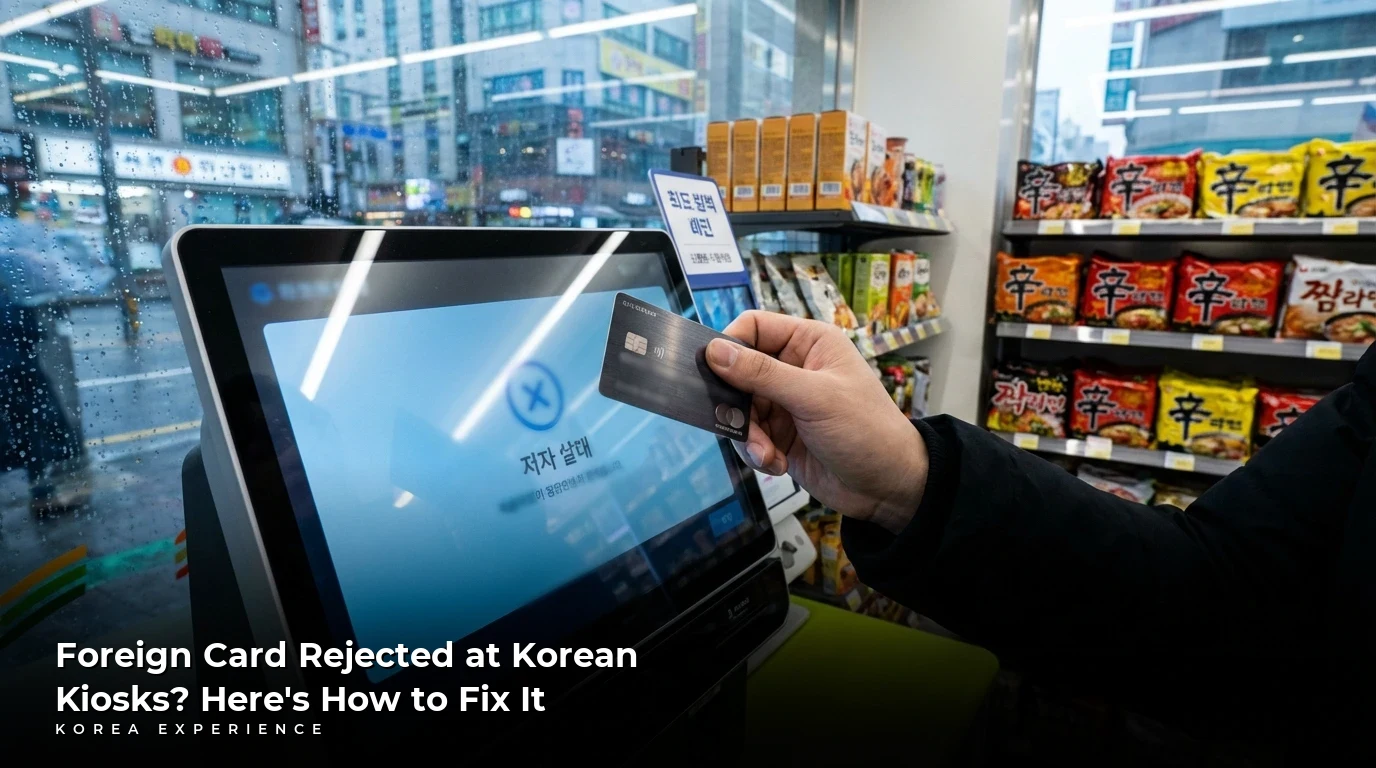
So, you've just landed at Incheon, you're starving at a McDonald's in Myeongdong, and the kiosk just rejected your perfectly good Visa card for the third time. Don't panic—this is probably the most common frustration for every tourist in Korea. The short answer is that Korean kiosks often can't complete the "handshake" between your foreign bank's security protocols and the local payment network. It's not your card, it's not your PIN—it's a systemic communication failure between two very different financial ecosystems.
For step-by-step troubleshooting, see our detailed kiosk survival guide for foreign cards.
For a long-term solution, see our guide to credit cards in Korea for foreigners.
Key Takeaways
- 1The short answer is: Korean kiosks use a localized payment network (VAN) that struggles with international 3D Secure authentication. Your card often gets stuck waiting for a verification signal from your home bank that never arrives.
- 2Here's the money-saving number: WOWPASS lets you hold up to ₩1,000,000 per card with a daily top-up limit of ₩2,000,000 in foreign currency. It acts as your 'domestic proxy' so Korean machines see you as a local.
- 3The survival strategy is simple: Physical tier (get WOWPASS immediately), Fintech tier (use Wise for best exchange rates), and Linguistic tier (learn to ask 'Gyesan-hae juseyo' for manual processing at a counter).
📋 Korea Payment Ecosystem Quick Facts
Why Your Card Gets Rejected: The Technical Breakdown
Here's what's happening behind the scenes. When you tap or dip your card at a Korean kiosk, the machine sends your card data to a local Value Added Network (VAN) processor. This processor then tries to communicate with your international bank's servers to complete something called "3D Secure" (3DS) authentication—that's the system that usually sends you an SMS or app notification to verify it's really you.
The problem? Korean kiosks aren't built to wait for that international callback. They expect a near-instant response from a Korean bank. When your foreign bank takes 10-15 seconds to respond (or doesn't respond at all because of timezone differences or server locations), the kiosk just... gives up. You get a vague error, the machine spits out a receipt saying "Card Rejected," and you're left wondering if you need to call your bank.
And it gets worse at night. Between 12:00 AM and 6:00 AM, Korean banking systems undergo routine maintenance. The international authorization relay is often the first thing to go offline. Even domestic cards used to fail around midnight before the system got more robust. In 2026, foreigners are still the first to get cut off during these windows.
Korea's Digital Payment Evolution
IC Chip Mandate
FSS requires all cards to have IC chips, beginning the phase-out of magnetic stripe readers.
VAN Modernization
Major VAN providers upgrade systems for faster domestic processing.
Apple Pay Arrives
Apple Pay launches in Korea through Hyundai Card, but NFC terminals remain rare.
ISO 20022 Migration
Bank of Korea completes migration to shorten authorization cycles.
Zero Pay Expansion
QR-based Zero Pay integrates with Alipay+ and WeChat Pay.
Digital Asset Blueprint
Government launches institutionalization plan for stablecoins and blockchain payments.
The Physical Tier: Your Domestic Payment Proxy
The single most effective solution is to stop trying to use your foreign card at kiosks entirely. Instead, get a prepaid Korean card that the machines recognize as "local." Here's your breakdown:
Tourist Payment Cards Compared
| Feature | WOWPASS | NAMANE Card | T-money (Standard) |
|---|---|---|---|
| Top-up Method | Kiosk (16 currencies) | App (Int'l cards) | Cash only |
| Shopping Function | Yes (Prepaid Debit) | Yes (Prepaid Debit) | No |
| Transit Chip | Yes (T-money) | Yes (Cashbee) | Yes |
| Max Balance | ₩1,000,000 | ₩500,000 | ₩500,000 |
| Customization | No | Photo/K-pop designs | Various designs |
| Refund Fee | ₩1,000 | ₩1,000 | ₩500 |
A prepaid tourist card can solve most kiosk problems. Read our T-Money vs Wowpass vs Namane comparison.
WOWPASS is the clear winner for most tourists. You'll find kiosks at Incheon Airport (T1 and T2), Seoul Station, Hongdae, and Myeongdong. Walk up, insert your foreign cash or card, and the machine gives you a prepaid Korean debit card with a T-money transit chip. The exchange rate is usually better than the bank counters in the airport.
One critical detail: the shopping balance and transit balance are separate. If you put ₩100,000 on the card, you need to decide how much goes to "WOWPASS" (for restaurants and shops) and how much goes to "T-money" (for subways and buses). They're physically stored in different parts of the chip.
Using WOWPASS vs. Your Foreign Card
- ✓Universal Acceptance: Korean kiosks see WOWPASS as a domestic card, so you'll never get that '3DS timeout' rejection again.
- ✓Better Exchange Rates: The kiosks offer rates close to the mid-market, which is often 2-3% better than airport exchange booths.
- ✓Built-in Transit: You don't need to buy a separate T-money card, which saves you ₩3,000-₩5,000 and one less thing to carry.
- ✗Cash Top-up Dependency: While the kiosk accepts cards, many tourists find that cash top-ups are faster and more reliable.
- ✗Balance Limits: The ₩1,000,000 cap means luxury shoppers will still need to use their foreign cards at department stores.
- ✗Refund Process: Getting your leftover balance back requires visiting a WOWPASS kiosk before you leave the country.
The Fintech Tier: Wise, Revolut, and the ATM Game
Your WOWPASS won't cover everything. For larger purchases or ATM withdrawals, you need a fintech backup. In 2026, Wise remains the gold standard for exchange rates because they use the "mid-market" rate (the one you see on Google) and charge a transparent fee of 0.33% to 0.41%.
📖 How to Set Up Your Korea Fintech Stack
Step 1: Get Wise Before You Fly
Sign up for Wise at home, verify your identity, and order the physical debit card. This takes 5-7 days to arrive, so don't wait until the last minute.
Step 2: Add Revolut as Backup
Revolut offers higher ATM limits for premium members ($800-$1,200/month free). If your Wise card gets eaten by an ATM, you'll need a backup.
Step 3: Always Decline Dynamic Currency Conversion
When an ATM asks 'Pay in USD?' or shows you an exchange rate, ALWAYS select 'Pay in Won/KRW.' This avoids a 3-5% markup.
Step 4: Know Your Daily Limits
Korean ATMs often have a ₩700,000 per-transaction limit. You might need multiple withdrawals if you need a lot of cash.
In 2026, the 'hidden fee' that catches most tourists is Dynamic Currency Conversion. The ATM screen might look like it's doing you a favor by showing the amount in dollars, but that's where they add a 4-5% markup. Always, always pay in Won. Your card's own exchange rate will almost certainly be better.
The Linguistic Tier: When All Else Fails
Sometimes the tech just doesn't work. The kiosk is broken, your WOWPASS is empty, and the ATM ate your Wise card (it happens). This is when you need to approach the counter and request manual processing.
Here's your survival phrase kit:
- "Gyesan-hae juseyo" (계산해 주세요) — "Please process the payment." Use this when you want them to ring you up at the main register instead of the kiosk.
- "Yeogiyo" (여기요) or "Jeogiyo" (저기요) — "Excuse me!" / "Over here!" Use this to get a staff member's attention.
- "Hyeon-geum-euro halge-yo" (현금으로 할게요) — "I'll pay in cash." Backup plan when cards fail entirely.
- "Il-si-bul-lo hae-ju-se-yo" (일시불로 해주세요) — "One-time payment please." Important for larger purchases when they ask about installments.
When you hand your card to a cashier, use both hands or support your right wrist with your left hand. This small gesture of respect can go a long way in getting helpful service.
Pro Tip: The Call Button
Most Korean restaurants have a small button on the side of the table. Don't shout for the waiter—just press the button and they'll be there in seconds. This is especially useful when you need to explain a payment problem.
Warning: The Midnight Maintenance Window
Between 12:00 AM and 6:00 AM, many payment systems go offline for maintenance. If you're grabbing late-night food at a convenience store, bring cash as a backup. Foreign cards are the first to stop working during these hours.
No Korean Phone/ARC? Here's What To Do
Most "smart" kiosks and apps in Korea ask for a Korean phone number or ARC (Alien Registration Card). Here's the workaround: Shuttle Delivery lets you order food without any Korean verification—it accepts foreign cards and PayPal. For taxis, download K.Ride (the international version of Kakao T) which takes foreign credit cards. For restaurant reservations, use Catchtable Global which lets you sign in with Google or Apple ID.
❓ Frequently Asked Questions
Have more questions?Contact us →
Your Action Plan
Look, the Korean payment system wasn't designed to exclude you—it was designed for maximum speed and efficiency for Korean residents. As a foreigner, you're essentially operating in a parallel financial universe that doesn't always sync up with the local one.
Here's what you should do in your first 2 hours in Korea:
- At the Airport: Find a WOWPASS kiosk (B1 of T1 or T2) and load ₩200,000 onto the card. Split it 70/30 between shopping and T-money.
- Download the Apps: Get Naver Map (Google Maps doesn't work well), K.Ride for taxis, and Shuttle for food delivery.
- Test Your Cards: Try your Wise and Revolut cards at a 7-Eleven ATM to make sure they work before you actually need them.
- Keep Emergency Cash: Always have ₩30,000 in your pocket for those moments when everything fails.
The kiosks aren't your enemy—they're just speaking a different language than your bank. Once you have the right "translator" (WOWPASS) and backup systems (fintech cards + cash + key phrases), you'll navigate Korea as smoothly as any local. Now get out there and order that fried chicken! You've got this.
Sources
- Incheon Airport Corporation - WOWPASS kiosk locations and airport payment infrastructure.
- Bank of Korea - ISO 20022 migration and real-time payment statistics.
- Korea Fintech Association - Digital payment market projections and VAN system architecture.
- Wise Official - Exchange rate methodology and ATM fee structures.
- WOWPASS Official - Card limits, kiosk locations, and functionality guide.
About the Author
Korea Experience Team
Written by the Korea Experience editorial team - experts in Korean medical tourism, travel, and culture with years of research and firsthand experience.
Explore more in Living in Korea
Everything expats and long-term visitors need to know — from visa requirements and housing to banking, healthcare, and daily life tips.
Browse All Living in Korea ArticlesContinue Reading
Explore more articles you might find interesting
Don't let a rejected foreign credit card ruin your Korean adventure.
Ditch Google Maps and download these 10 essential apps for South Korea in 2026. Learn how to save $29 with the Climate Card and hail taxis with foreign cards.
The short answer is: pick WOWPASS if you want to turn your home cash into Korean Won in 10 seconds at the airport.
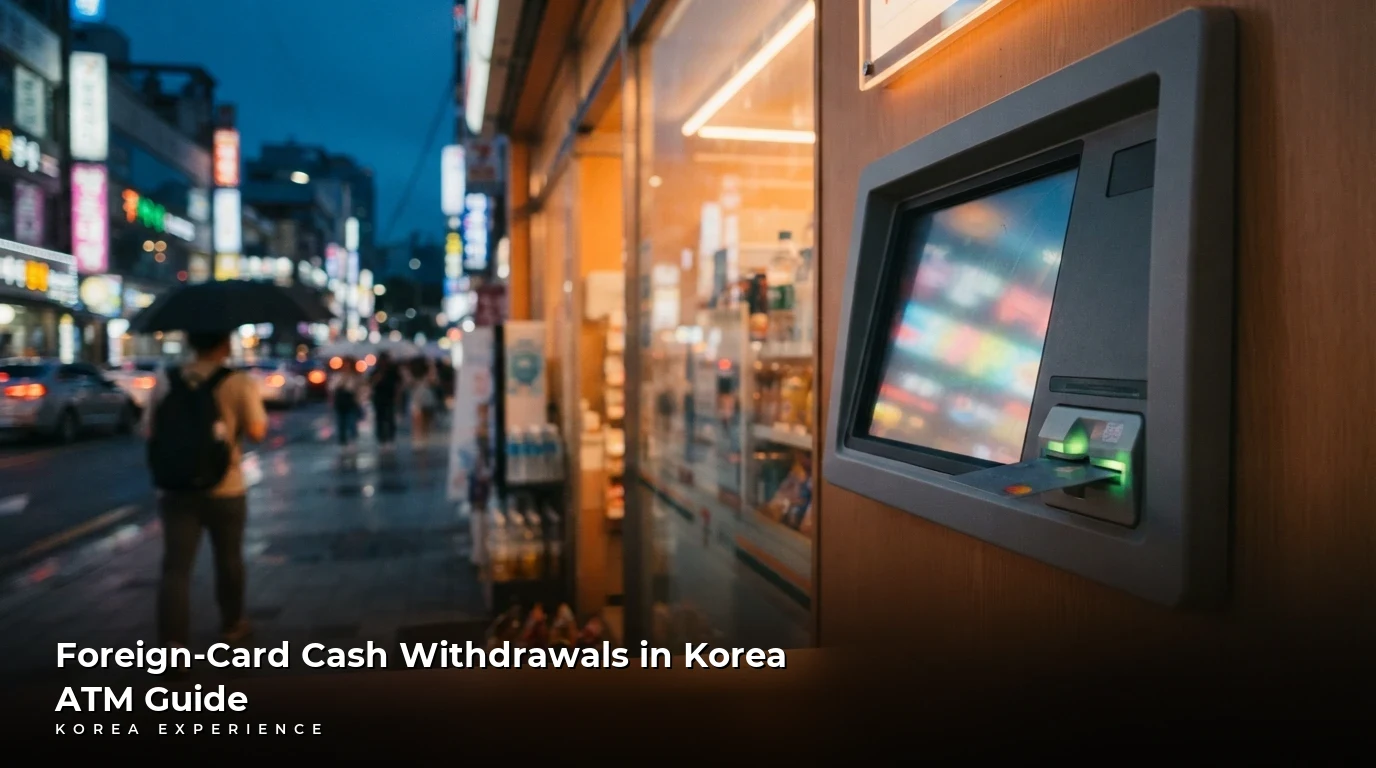
Learn how to find compatible Global ATMs in South Korea, navigate fee layers, avoid the DCC trap, and manage foreign card limits.
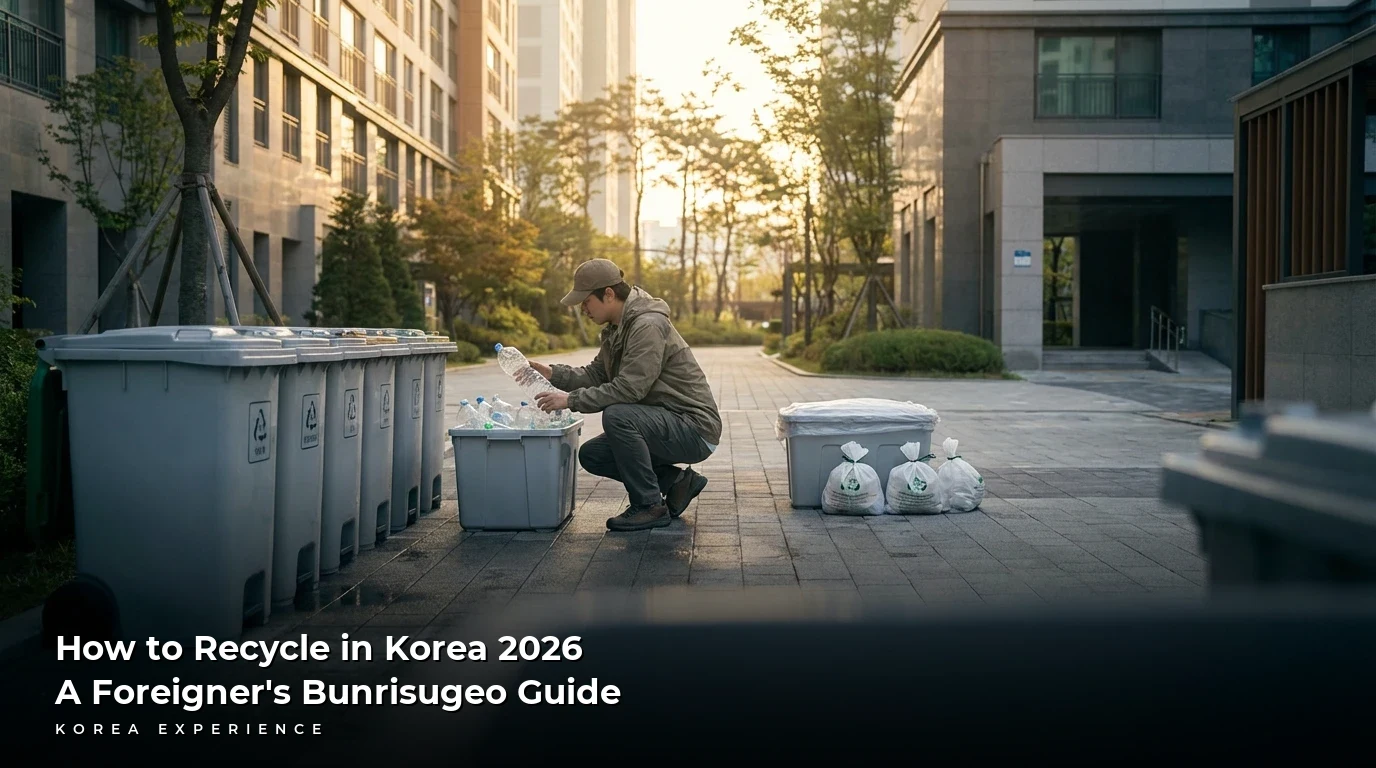
The short answer? Korea's recycling system is incredibly strict—you need to separate everything from food waste to clear PET bottles, and if you mess it up.
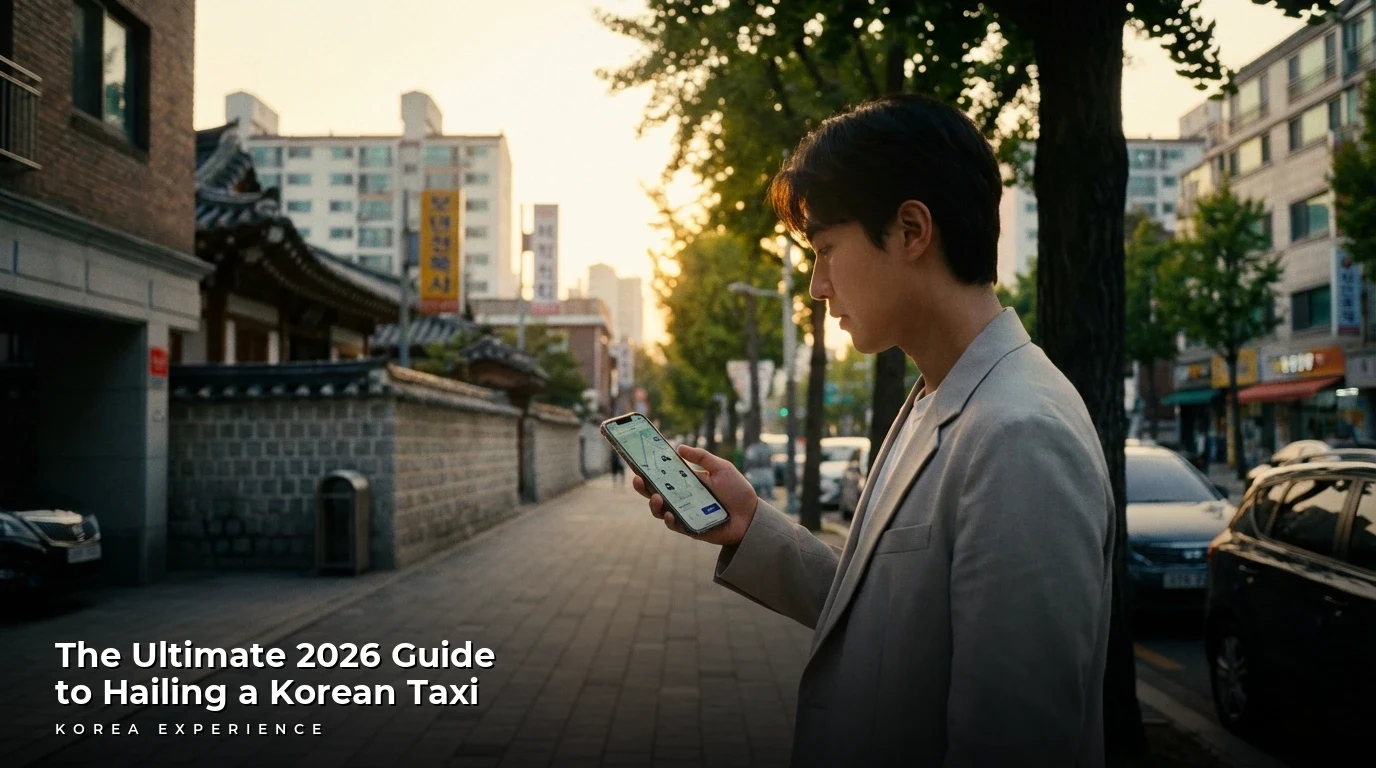
The short answer is yes, you can absolutely call a taxi without a local number by using apps like K.Ride or Uber (UT).