Top 10 Apps Before Flying to South Korea in 2026
Ditch Google Maps and download these 10 essential apps for South Korea in 2026. Learn how to save $29 with the Climate Card and hail taxis with foreign cards.
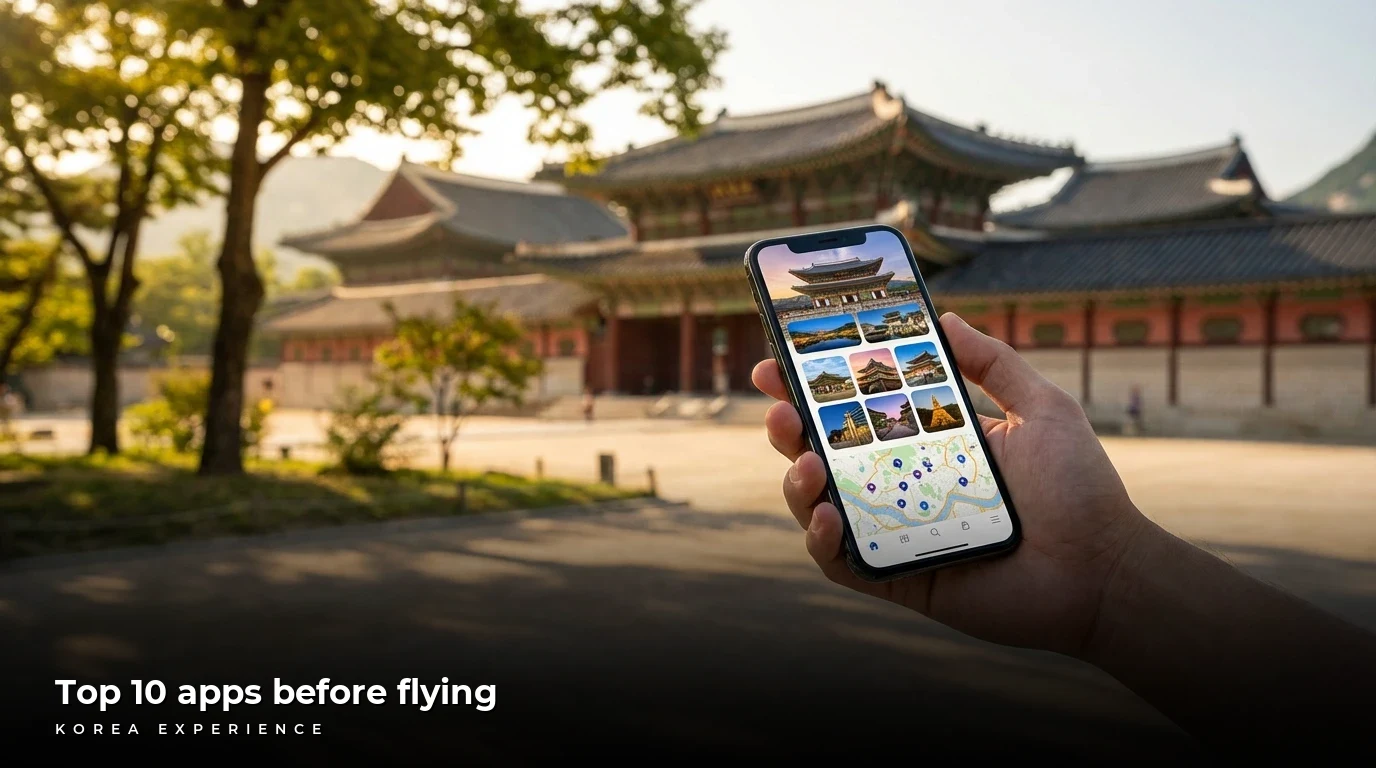
So, you are finally taking that dream trip to South Korea! You have watched the K-dramas, you have mapped out all the incredible BBQ spots you want to hit, and your suitcase is ready. But right before you head to the airport, you need to hear a hard truth: the apps you use at home simply will not work in Seoul. If you land at Incheon Airport and try to rely on Google Maps and Uber the way you would in New York or London, you are going to have a very frustrating first day. Trust me on this one. I learned this the hard way, wandering around in circles looking for a cafe that Google insisted was in the middle of a major highway.
To thrive in Korea, you need the local versions of everything. Here is the absolute, definitive list of the 10 apps you must download before you step onto the plane.
Key Takeaways
- 1Google Maps is practically useless for walking or public transit in South Korea due to local security laws, so you absolutely must download Naver Map and Papago for translation before you even think about boarding your flight.
- 2Getting the right transit card setup will save you serious cash. Specifically, the new 2026 Climate Card can save you around $14 to $29 on a 5-day trip if you ride the subway often.
- 3Download the official K-ETA app or visit the government site. While the K-ETA visa exemption has been officially extended through December 31, 2026 for many countries, you are now required to submit a digital e-Arrival card within three days before you land.
📋 Quick Facts
₩4,500 if reserved online
Plus ₩3,000 physical card fee
For overseas cards at Seoul subway kiosks
The Background Story
You might be wondering, "Why is Korea like this? Why can't I just use Google Maps like I do in literally every other country on earth?" It is a great question, and the story behind it is actually pretty fascinating. If you want a deep dive into the technical reasons, check out our guide on Why Google Maps Doesn't Work in Korea.
Look, South Korea is one of the most technologically advanced nations on the planet, boasting some of the fastest internet speeds and a population that essentially lives on their smartphones. But it is also a country that technically remains at war. Due to long-standing national security regulations born from tensions with North Korea, the South Korean government restricts detailed, high-resolution topographical map data from being exported to foreign servers. Because Google refuses to store its map data on local Korean servers where the government could censor sensitive military locations, Google Maps is heavily kneecapped. It can only offer very basic driving directions and completely fails at walking or public transit routing. This legal standoff gave rise to domestic tech giants like Naver and Kakao, who abide by local laws and thus have access to flawless, hyper-detailed map data. That is why downloading Naver Map is not just a suggestion; it is a strict necessity.
K-ETA System Launched
South Korea introduces the Electronic Travel Authorization for visa-free entry.
WOWPASS Introduced
A revolutionary all-in-one tourist card combining currency exchange, debit payments, and T-money transit is launched.
k.ride App Debuts
Kakao Mobility launches a dedicated taxi app specifically for foreigners that supports 100 languages and overseas credit cards.
e-Arrival Card Mandate
South Korea phases out paper arrival forms, making the digital e-Arrival card mandatory for all travelers not holding a K-ETA.
K-ETA Exemption Extended
The Ministry of Justice extends the temporary K-ETA exemption for 22 countries (including the US and UK) through December 31, 2026.
Climate Card Foreign Payment Update
Seoul subways finally begin accepting overseas-issued credit cards (Visa/Mastercard) at 440 kiosks to buy Climate Cards and single tickets.
But map apps are not the only thing evolving rapidly. As we head into 2026, the way tourists navigate and pay in Korea is experiencing a massive shift. For years, the biggest complaint from foreign visitors was the sheer amount of cash needed just to take a bus. Korea is practically a cashless society for locals, but tourists were constantly forced to hunt for ATMs to reload their physical T-money transit cards. The government finally listened.
In response to a massive surge of international visitors, the Seoul Metropolitan Government took aggressive action in March 2026. They rolled out a brand-new initiative that upgraded 440 ticket kiosks across 273 stations on Subway Lines 1 through 8. For the first time ever, these machines now accept overseas-issued credit and debit cards (like your Visa or Mastercard), as well as mobile payments like Apple Pay and Kakao Pay. This change completely revolutionizes how you buy subway tickets. Even better, they introduced the Climate Card Tourist Pass, an unlimited ride pass that you can now buy directly with your foreign card.
We also have to talk about the border. The history of getting into Korea has changed a lot post-pandemic. In 2021, Korea introduced the K-ETA (Electronic Travel Authorization) system, a digital visa waiver program. Then, to boost tourism, they temporarily exempted 22 countries from needing it. Here is the critical update for 2026: The Ministry of Justice has officially extended that K-ETA exemption through December 31, 2026, for countries like the US, UK, Canada, and Australia.
That sounds like great news, right? It is, but there is a major catch. Starting January 1, 2026, Korea completely phased out paper arrival forms on the airplane. This means that even if you are exempt from the K-ETA, you are absolutely required to fill out a digital e-Arrival card within 72 hours before you land. If you do not do this on your phone or computer before your flight, you are going to be that person holding up the immigration line, desperately trying to connect to the airport Wi-Fi to fill out a web form. For more tips on navigating your arrival, read our Incheon Airport Survival Guide 2026.
Breaking Down Your Options
Okay, let us talk about the single most important decision you will make when you land: how are you going to pay for things and ride the subway? You essentially have three main options, and choosing the wrong one can cost you both time and money. We are looking at the classic T-money card, the all-in-one WOWPASS, and the brand-new 2026 Climate Card.
Let us start with the traditional T-money card. This is the standard, pay-as-you-go transit card you can buy at any convenience store for about 3,000 to 5,000 KRW. Every time you tap onto a subway or bus, it deducts about 1,400 KRW. The major downside? You generally have to top it up using physical Korean Won cash at convenience stores or subway machines. If you already have a fantastic travel credit card with zero foreign transaction fees, and you do not mind carrying a little bit of cash to load your transit card every few days, a simple T-money card is honestly perfectly fine. It is budget-friendly and straightforward.
| Feature | Naver Map | KakaoMap | Google Maps |
|---|---|---|---|
| Cost | Free | Free | Free |
| Processing Time | Real-time transit updates | Real-time transit updates | Heavily delayed/No transit |
| Duration/Validity | Works nationwide | Works nationwide | Very limited functionality |
| Requirements | Needs data/Wi-Fi | Needs data/Wi-Fi | Needs data/Wi-Fi |
| Best For | Walking routes, subways, and highly accurate restaurant reviews | Fast visual discovery, cafe hopping, and calling Kakao Taxis | Finding your hotel from your home country before you leave |
| 2026 Changes | Added enhanced English translation features via Papago AI integration | Tighter integration with the new k.ride app for seamless tourist taxi hailing | Still restricted by Korean government data export laws |
But what if you hate carrying cash? Enter the WOWPASS. This is a massive favorite among tourists. Think of WOWPASS as a 3-in-1 magic card. You go to a WOWPASS kiosk (there is a big one right at Incheon Airport), insert your home currency, and the machine spits out a sleek card loaded with Korean Won. It acts as a prepaid debit card you can use at any restaurant or shop in Korea, meaning you do not have to carry jingling coins everywhere. Plus, it has a T-money chip inside it.
It sounds perfect, but there is a catch. The WOWPASS has two separate pockets of money: the debit pocket and the transit pocket. While you can load the debit pocket with foreign cash or through the app via your credit card (for a fee), you cannot digitally transfer that money to the transit pocket. You still have to go to a subway machine with Korean Won cash to top up the transit side. So if you are only staying 3 days, buying a WOWPASS (which has a 5,000 KRW issuance fee) might be overkill. But if you are a digital nomad staying for weeks and you want a local card to manage daily cafe expenses, it is brilliant.
Pros
- ✓Zero heavy coins weighing you down: Korea is largely a cashless society, but tourists often end up with handfuls of heavy 100 and 500 won coins. WOWPASS acts as a local debit card.
- ✓Incredible convenience at the kiosk: You literally just shove your home currency into the machine, and it instantly loads Korean Won onto your card at a highly competitive exchange rate.
- ✓The app tracks everything in real-time: Unlike a standard T-money card where you have to guess your balance, the WOWPASS app shows you every single transaction on your phone.
Cons
- ✗The dreaded One-Way Street T-money trap: While you can load the debit pocket with foreign cash, the T-money transit pocket must be loaded with Korean Won cash at subway stations.
- ✗Airport departure refunds are a hassle: If you have leftover T-money balance at the end of your trip, you cannot easily refund it at the WOWPASS machines at Incheon Airport.
- ✗It is strictly for offline use: You cannot use the card details to book KTX train tickets online or use Korean food delivery apps.
Finally, we have the new king of Seoul transit: the 2026 Climate Card. If you are the type of traveler who plans to aggressively explore Seoul, hopping between Gyeongbokgung Palace, Hongdae cafes, and Gangnam shopping malls all in one day, this is for you. Launched for tourists, it offers unlimited rides on all Seoul subways and city buses. You buy the physical card for 3,000 KRW, and then load a pass: 5,000 KRW for 1 day, 10,000 KRW for 3 days, or 20,000 KRW for 7 days.
Do the math: if a standard ride is 1,400 KRW, you only need to take four trips a day to make the 7-day pass completely pay for itself. Best of all, thanks to the massive March 2026 update, you can now buy and reload this card using your overseas Visa or Mastercard right at the subway ticket machines, bypassing the need for cash entirely. For a full breakdown of navigating the underground, read our comparison on KakaoMetro vs. Seoul Subway.
24 Hours in Seoul Transit: Climate Card vs T-Money
To put this into perspective, let us look at a typical 24-hour itinerary in Central Seoul (Myeongdong, Hongdae, Gangnam).
- Stop 1: Hotel in Myeongdong to Gyeongbokgung Palace. Cost: ₩1,400 (T-Money) / ₩0 (Climate Card)
- Stop 2: Gyeongbokgung to Bukchon Hanok Village. Cost: ₩1,400 (T-Money) / ₩0 (Climate Card)
- Stop 3: Bukchon to Hongdae for Lunch. Cost: ₩1,400 (T-Money) / ₩0 (Climate Card)
- Stop 4: Hongdae to Gangnam for Shopping. Cost: ₩1,400 (T-Money) / ₩0 (Climate Card)
Total Budget: ₩5,000 (Climate Card 1-Day Pass) vs ₩11,200 (Pay-as-you-go T-Money). If you plan on moving between different neighborhoods more than 3 times a day, the Climate Card is an absolute no-brainer. It completely eliminates the mental math of transit costs.
The Complete How-To
Alright, let us get practical. How do you actually set all of this up without pulling your hair out? Let us walk through the ultimate pre-flight checklist and your first hours on the ground in Korea.
First, let us talk about the taxi situation, because this is where 90% of tourists panic. The global giant Uber does work in Korea (in partnership with UT), but it can be spotty and expensive depending on the neighborhood. You really want to use the local network. Download Kakao T before your flight. To set up an account, you need to verify your phone number via SMS. You absolutely must do this while you still have your home country's SIM card active, because the verification text needs to go to a number that works.
📖 How to Book a Kakao Taxi Without a Korean Phone Number or Bank Card
Step 1: Download and Setup the App Before You Fly
Download the Kakao T app from the App Store or Google Play while you are still in your home country. Sign up using an email address or your existing KakaoTalk account, and use your home country's mobile number to receive the SMS verification text.
Step 2: Enter Your Destination
Open the app, tap the Taxi icon, and enter your destination. It is best to copy and paste the Korean address directly from Naver Map, but English works too. The app will show you an estimated route and a fare estimate in Korean Won.
Step 3: Select General Request
You will see several options like Venti (large), Blue (premium), and General Request. Choose General Request as this is the standard, most abundant, and cheapest taxi option.
Step 4: The Magic Swipe Left Payment Hack
When you get to the payment screen, the app will aggressively ask you to Add a Card (which you cannot do without a Korean Resident Registration Number). Do not panic! Simply swipe your finger left on the payment method area, and select Pay to the driver. Click apply!
Most tourists land in Seoul, open Google Maps, and immediately start walking in the wrong direction. The secret to surviving Seoul is keeping Naver Map open for navigation, and using Papago\'s image translation feature to read the handwritten menus at tiny, authentic restaurants that don\'t have English translations. It\'s the only way to find the really good food.
Next, set up your connectivity. Do not rely on your home carrier's international roaming plan—it will throttle your speeds and charge you a fortune. Download an eSIM app like Airalo or Holafly. Purchase a 10-day or 14-day data plan for South Korea. The app will give you instructions to install the eSIM profile into your phone's settings. Leave the line turned off until you are sitting on the airplane runway in Seoul. The moment you land, toggle your home SIM off and your eSIM on. Within seconds, you will be connected to Korea's blazing-fast 5G network.
With your internet active, you can now open Naver Map. Before your trip, you should have already searched for your hotel and saved it with a little star icon. Switch Naver Map to the English setting (it is in the hamburger menu under settings). Now, to find your hotel, just click your saved star, hit Directions, and select the public transit icon. Naver Map will tell you exactly which exit of the airport to walk out of, which bus to catch, and how many stops until you get off. It will literally hold your hand the entire way.
The Stuff Nobody Tells You
Now for the fun part—the insider secrets, edge cases, and the stuff that does not usually make it into the glossy tourist brochures.
First, let us talk about the dreaded No-ARC lifestyle. An ARC is an Alien Registration Card, essentially the Korean holy grail that gives expats access to seamless digital banking, food delivery, and online shopping. Without one, you are effectively locked out of a lot of cool local tech. For example, if you want to use the wildly popular Baemin (Baedal Minjok) food delivery app, you cannot register a foreign card. But here is the hack: you can still order on Baemin by selecting the pay upon delivery option. This allows you to order that midnight fried chicken and just tap your physical credit card or hand over cash to the delivery driver when they show up at your hotel door.
No Korean Phone or ARC? Here is What To Do
If you don't have an Alien Registration Card (ARC) or a local Korean phone number, skip the headache of setting up traditional payment apps. Download k.ride (by Kakao Mobility) instead of the standard Kakao T. Launched recently specifically for tourists, k.ride accepts foreign credit cards right in the app, requires no Korean phone number, and translates your chats with the driver into 100 different languages automatically. For food delivery without an ARC, use the Shuttle app, which is fully in English and accepts international credit cards and PayPal.
Let us revisit the WOWPASS for a second, because there is a major trap that catches tourists off guard at the end of their trip. If you use a WOWPASS, remember it has two pockets: the debit balance and the T-money transit balance. If you are leaving Korea and want to withdraw your leftover money, you can easily go to a WOWPASS kiosk at Incheon Airport and withdraw the debit balance as cash (with a 1,000 KRW fee). However, the kiosks at Incheon Airport do not support T-money functions. This means if you have 15,000 KRW sitting in your transit pocket, you cannot get it out at the airport machine. To refund T-money, you have to go to a regular convenience store (like CU or GS25) and ask the cashier for a refund before you head to the airport, and they will give it to you in physical Korean Won coins and bills (minus a 500 won processing fee). I have seen countless tourists frantically tapping their WOWPASS at the airport kiosk wondering why they cannot get their subway money back. Do not be that person.
Another pro-tip involves dining out. You will notice a lot of trendy cafes and restaurants have a tablet sitting outside the front door. This is a virtual queuing system, usually run by the CatchTable app. If you do not have a Korean phone number, you often cannot input your details into the tablet to hold your place in line. Here is what you do: do not just walk away! CatchTable does have an English tourist version of the app, but if that fails, simply walk inside, smile, and politely tell the staff, "I don't have a Korean number." (In Korean, you can say Hanguk beonho eopseoyo). 99% of the time, the staff will manually write your name down on a clipboard or give you a physical buzzer. Never let the lack of an app stop you from eating good food! If you ever find yourself completely stuck and need translation help, remember you can always call the 1330 Travel Helpline.
Finally, regarding the Seoul Climate Card. Remember when I said the March 2026 update allows you to buy it with a foreign credit card? That is amazing, but be aware there is a 3.7% service fee added when you use an overseas card at the kiosk. It is a tiny price to pay for the massive convenience, but if you want to avoid that fee entirely, you can still buy the card and load the 7-day pass using cold, hard Korean cash. Also, keep in mind the Climate Card does not cover the Airport Express (AREX) train or the Shinbundang line. You will need a separate, regular single-journey ticket to get from Incheon Airport into the city center before your unlimited Seoul fun begins.
Frequently Asked Questions
❓ Frequently Asked Questions
Have more questions?Contact us →
Conclusion: Your Action Plan
So, let us wrap this up with a clear action plan for your first 24 hours. Weeks before your flight, you should secure your K-ETA or fill out your mandatory e-Arrival card from the comfort of your couch. The night before you fly, connect to your home Wi-Fi and download Naver Map, Papago, Kakao T, k.ride, and your eSIM app. Create your accounts while you can still receive SMS text messages.
When you finally land at Incheon Airport and clear customs, step off to the side. Toggle your eSIM on, make sure your data connects, and take a deep breath. You are officially ready to conquer Korea. Head toward the airport train, decide whether the unlimited Seoul Climate Card or the flexible WOWPASS fits your itinerary better, and start your adventure.
Korea's digital ecosystem might seem incredibly intimidating from the outside, but once you have the right tools in your pocket, it is actually one of the most efficient, user-friendly systems in the world. Ditch Google Maps, embrace the local tech, and get ready for an unforgettable trip. Safe travels, and enjoy every single moment!
Sources:
- Visit Seoul Official Guide: Pricing and savings calculations for the 2026 Climate Card tourist options.
- KPMG Flash Alert: Details on the K-ETA exemption extension through December 31, 2026 and e-Arrival card mandates.
- The Korea Herald: Information on Seoul subways accepting overseas cards for Climate Cards starting March 2026.
- Kakao Corp Press Release: Details on the k.ride app launch, language support, and features for international tourists.
- Korea JoongAng Daily: Details on the 440 new ticket kiosks supporting overseas-issued Visa and Mastercard.
- WOWPASS Official Site: Verification of WOWPASS issuance limits, T-money integrations, and airport package rules.
About the Author
Korea Experience Team
Written by the Korea Experience editorial team - experts in Korean medical tourism, travel, and culture with years of research and firsthand experience.
Explore more in Travel & Tourism
From Seoul's neon-lit streets to Jeju's volcanic landscapes — discover the best of Korea with insider travel tips, itineraries, and seasonal guides.
Browse All Travel & Tourism ArticlesContinue Reading
Explore more articles you might find interesting

South Korea is incredibly safe for solo female travelers but requires digital street smarts. Learn to ride the 2,500 KRW Owl Bus and bypass app restrictions.

Navigate Seoul in 2026 without an ARC. Learn how k.ride and Taba let tourists hail cabs for just ₩4,800 using foreign phone numbers and credit cards.

Discover how to mix a $15 Dior Seongsu latte with a $3.80 market pancake in 2026. Master the WOWPASS and Climate Card to conquer Seoul on any budget.

Stretch your budget in 2026 as 1 USD hits 1,400 KRW. Save up to 10 percent on tax refunds and cut 3 percent in card fees with our ultimate travel money guide.

Escape the crowds with our 2026 guide to 5 secret hanok villages. Discover 6000m of historic walls and authentic stays starting at just ₩50,000 per night.
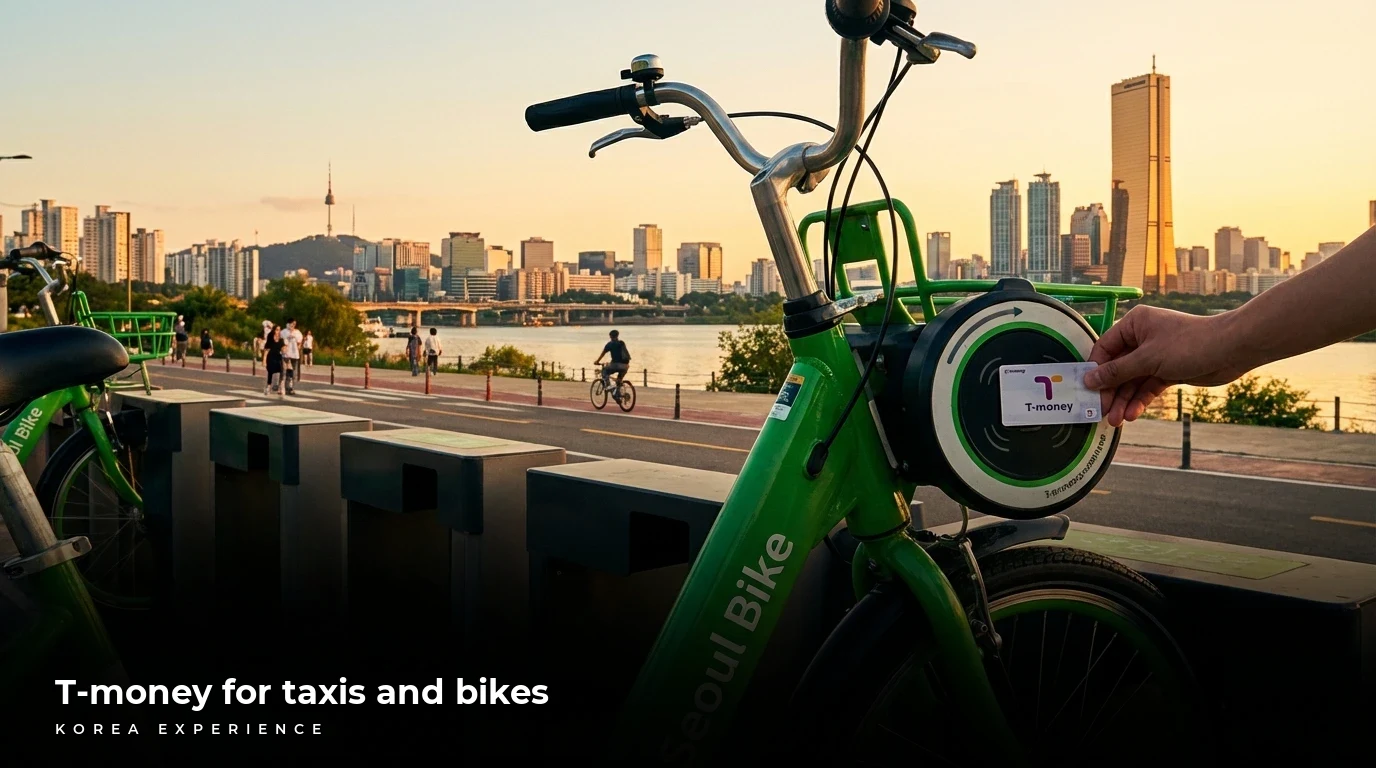
Master Seoul transit in 2026. Learn why T-money costs 4,000 KRW, how to rent 1,000 KRW bikes without an ARC, and the truth about the Climate Card for tourists.