Korean banking apps best user interface for foreigners 2026
A comprehensive guide to the top Korean banking apps for expats in 2026, ranking UX, English support, and digital remittance features.
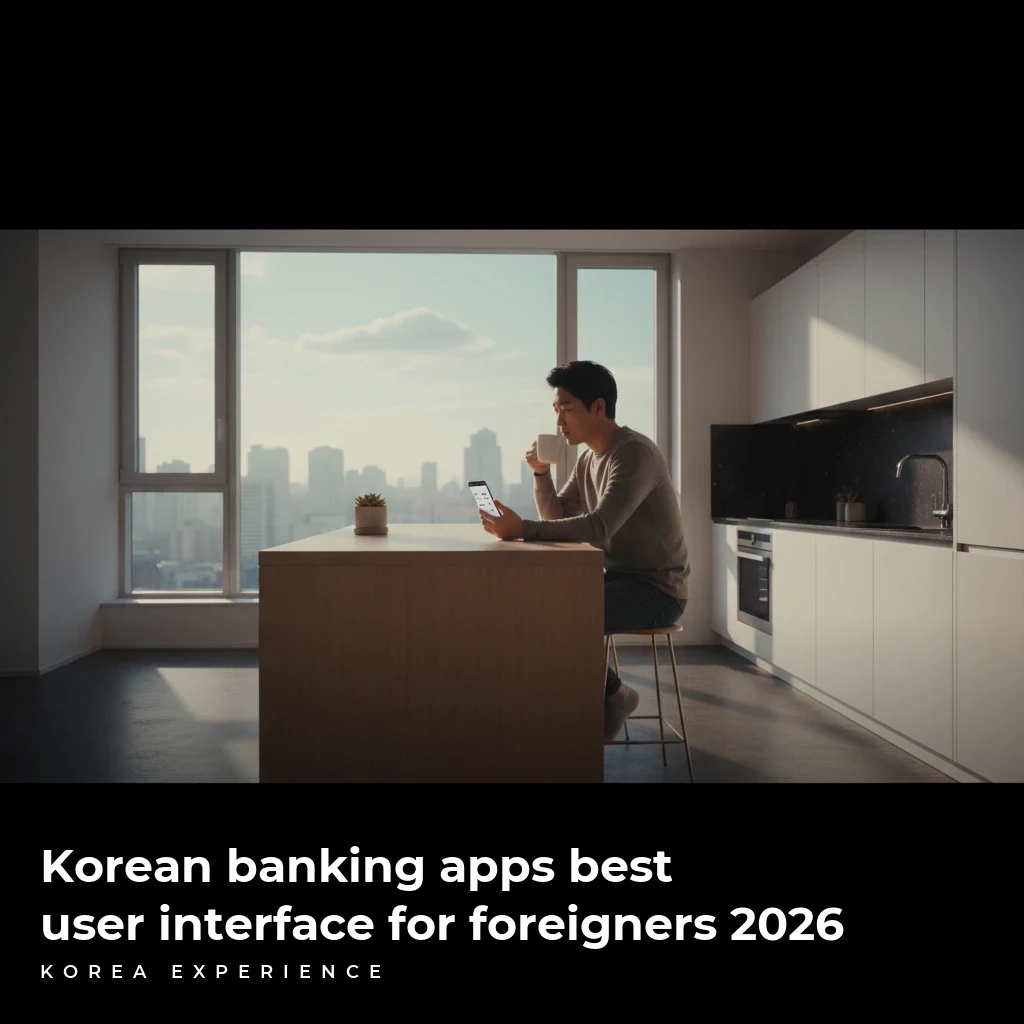
Banking in South Korea has historically been a notorious pain point for international residents, plagued by complex digital certificates and ActiveX plugins. However, the landscape has shifted dramatically. As we enter 2026, the battle for the best user interface (UI) among Korean banking apps has intensified, with fintech giants and traditional banks competing to offer the most seamless experience for the country's 2.5 million foreign residents.
For the international community, the "best" bank isn't just about interest rates; it is about accessibility, English language support, and the ability to navigate the interface without needing a Korean friend to translate every button. In 2026, digital-first banks have forced traditional institutions to overhaul their apps, resulting in a hybrid ecosystem where user experience is king.
For more details, check out our guide on Credit cards in Korea which banks accept foreigners 2026 ....
Key Takeaways
- 1Toss Bank offers the most intuitive, English-friendly UI in 2026 with near-zero friction.
- 2Hana EZ remains the leader for multi-language support, offering 16 languages beyond English.
- 3New accounts for foreigners often have a daily transfer limit of ₩300,000 until proof of income is verified.
The 2026 Landscape: Digital vs. Traditional
The Korean banking sector is currently divided into two main categories: Internet-only banks (like Toss and KakaoBank) and traditional commercial banks (like Hana, Shinhan, and Woori). In 2026, the gap between them has narrowed significantly. While internet banks still hold the crown for speed—allowing account opening in under 7 minutes on average—traditional banks have launched "Global" versions of their apps that strip away the clutter.
Related reading: Dealing with yellow dust and air quality best apps and masks.
The most significant change for 2026 is the standardization of the "Mobile ARC" (Alien Registration Card). Most major apps now accept the digital residency card stored in your government identity wallet, eliminating the need to photograph physical plastic cards, which previously had a 15% failure rate due to glare or scratching.
You might also enjoy our article about Finding an apartment in Korea complete guide for foreigners.
📊 Digital Adoption 2026
1. Toss Bank: The UX Champion
If you are looking for the absolute best user interface, Toss Bank is the undisputed winner in 2026. Originally a money transfer app, Toss evolved into a full-service bank that prioritizes minimalism. The app is devoid of the clutter found in traditional banking apps—no popping banners for insurance products or confusing sub-menus.
You might also enjoy our article about Finding apartments real estate apps in English in Korea.
Why It Wins on Interface
The design philosophy of Toss is "One App, All Finance." For foreigners, the English interface is not just a translation of the Korean app; it is a localized experience. The text is conversational and jargon-free. For example, instead of "Remittance Processing," the button simply says "Send."
Real-Time Translation
Toss recently integrated an AI-overlay that translates transaction descriptions in real-time. If you buy coffee at a local cafe, the notification reads "Starbucks - Coffee" in English instantly, rather than the Korean merchant name.
The Data
- Interest Rate: 2.0% APY on standard checking accounts (parking accounts).
- Transfer Fees: ₩0 (Unlimited free transfers to any Korean bank).
- ATM Fees: ₩0 at any ATM in Korea (convenience stores included).
- Card Issuance: Instant virtual card; physical card arrives in 2-3 business days.
Toss Bank for Foreigners
- ✓Cleanest, most modern interface
- ✓Zero fees on almost all domestic transactions
- ✓Built-in spending analytics
- ✗Requires ARC (Alien Registration Card) to sign up
- ✗International remittance rates are average
- ✗No physical branches for complex issues
2. Hana EZ: The Accessibility Leader
While Toss wins on design, Hana Bank's "Hana EZ" app wins on pure accessibility. Hana Bank has long been the primary bank for expats because they hold the contract for the inbound traveler cards. The Hana EZ app is a stripped-down version of their main app, designed specifically for foreign residents.
Specialized Features for Expats
Hana EZ supports 16 languages, including Thai, Vietnamese, Indonesian, and Russian. This is a critical differentiator for non-native English speakers. The UI is larger, with big buttons and clear icons, making it accessible for older demographics or those less tech-savvy.
In 2026, Hana EZ introduced "Just Transfer," a feature that remembers your frequent overseas recipients and allows you to send money home in just three taps. The app also integrates directly with the Western Union network, providing a safety net for cash pickups abroad.
"If you have just arrived and only have your passport, go to Hana Bank. They are the most lenient with passport-only accounts, though your daily withdrawal limit will be capped at ₩1,000,000 until you get your ARC."
The Data
- Remittance Speed: Instant to 50+ countries.
- Exchange Rate Coupon: Offers 30-50% spread discount on USD and EUR exchanges.
- Operating Hours: The app is 24/7, but Hana offers Sunday banking branches in areas like Hyehwa and Ansan from 10:00 AM to 4:00 PM.
3. KakaoBank: The Social Integrator
KakaoBank is a massive player, leveraging the ubiquity of KakaoTalk, the messaging app used by 99% of the population. However, for foreigners, it has historically been a mixed bag. In 2026, the UI has improved, but it still lags behind Toss in terms of full English integration.
The "Moim" Account Feature
The standout feature for KakaoBank is the "Moim" (Meeting) account. This allows groups of friends to have a shared account for travel or dinners. In 2026, this feature finally became available to foreign residents with an ARC. The interface allows you to see who has deposited their share of the bill instantly via chat notifications.
Name Verification Issues
KakaoBank is notoriously strict about name matching. If your phone contract name (e.g., SMITH JOHN) does not match your bank account name format exactly (e.g., JOHN SMITH), the verification will fail. Always ensure your telecom provider inputs your name exactly as it appears on your ARC.
The Data
- Users: Over 24 million registered users.
- Savings Product: "26-week challenge" offering up to 3.5% interest if completed.
- Security: Face ID and pattern lock (no digital certificate required for login).
Comparative Analysis: Fees and Features
To help you decide, we have broken down the costs and features of the top three contenders. Note that "Remittance" refers to sending money out of Korea.
2026 Banking App Comparison
| Feature | Toss Bank | Hana EZ | KakaoBank |
|---|---|---|---|
| English UI Quality | Excellent | Good | Fair |
| Passport Signup | ❌ | ✅ | ❌ |
| ATM Fees (KR) | Free | varies | Free |
| Int'l Transfer Fee | ₩5,000 | 3,000-₩5,000 | ₩5,000 |
| Card Design | Minimalist | Standard | Cute (Characters) |
Setting Up Your Account: A Walkthrough
Opening an account in 2026 is significantly easier than in previous years, but it still requires specific documentation. The "Limit Restricted Account" is a standard practice in Korea to prevent money laundering. This restricts your daily transfers and withdrawals until you prove your income.
📖 How to Open a Mobile Bank Account
Step 1: Prepare Documents
You need your physical ARC (Alien Registration Card) or Mobile ID, and a Korean phone number verified in your name.
Step 2: Download & Verify
Download the app (Toss or Hana EZ). Enter your phone number for SMS verification.
Step 3: Identity Verification
Take a photo of your ARC within the app. Then, the app will ask for a ₩1 deposit verification (it sends ₩1 to another bank account you own with a code). If this is your first account, you may need a video call verification.
Step 4: Set PIN & Biometrics
Set a 6-digit PIN. Do not use consecutive numbers (123456) or your birthday, as the system will reject them for security.
The Remittance Reality: Sending Money Home
For many expats, the user interface matters most when sending money overseas. Traditional bank apps often require navigating five or six screens to execute a transfer. Fintech apps have reduced this to two screens.
In 2026, the average cost to send $1,000 USD from Korea to the US or Europe is approximately ₩5,000 to ₩10,000 (approx. $4-$8 USD), with transfer times ranging from instant to 2 business days.
💵 International Transfer Costs (Sending 1M ₩)
Includes swift fees + cable charges
Flat fee, often instant delivery
Annual Remittance Limit
Foreign residents in Korea have a remittance limit of $50,000 USD per year without submitting additional proof of income documents. The apps track this aggregate total automatically.
Overcoming the "Digital Certificate" Hurdle
If you have lived in Korea before 2024, you likely have trauma from "Joint Digital Certificates" (formerly Public Certificates). These were encrypted files that had to be stored on your hard drive or phone to prove your identity.
In 2026, the best banking apps have moved to Cloud Certificates or Biometric Auth.
- Toss: Uses its own Toss Certificate. Valid for 3 years.
- Kakao: Uses Kakao Certificate. Valid for 3 years.
- Hana: Still supports the old certificates for legacy users but pushes "Hana Sign."
However, you may still encounter the old system if you try to use government websites like Hometax. For banking solely, the new UI paradigms utilize FaceID or fingerprint scanning for transactions under ₩10 million.
Physical Branches vs. Digital Support
While digital UIs are superior, sometimes you need a human. The "foreign-designated" branches are vital for complex issues like mortgage loans or large overseas transfers (over the $50,000 limit).
Hana Bank Global Banking Center(하나은행 글로벌 뱅킹 센터)
Security Features in 2026
Korean banking apps are arguably some of the most secure in the world, bordering on paranoid.
- Vishing Prevention: Apps now detect if you are on a call while trying to transfer money (a common scam tactic) and may block the transfer.
- Screen Capture Block: Android users will find they cannot screenshot the banking app for security reasons.
- Auto-Logout: Most apps log you out after 60 seconds of inactivity.
The Evolution of Expat Banking
ActiveX Era
Required Internet Explorer and plugins
Early Mobile
Apps existed but required Korean mastery
Seamless Integration
English-first UI and facial recognition
Final Verdict
If you are arriving in Korea in 2026, the strategy is simple:
- Start with Hana Bank (or Shinhan) if you only have a passport initially.
- Download Toss the moment you receive your ARC and make it your daily driver for spending and domestic transfers due to its superior UI.
- Use specialized remittance apps (like SentBe or WireBarley) linked to your Toss account for sending money home, as they often beat the bank rates slightly.
The days of dreading Korean banking are over. With the current suite of apps, managing your finances is finally as modern and high-tech as the rest of the Korean lifestyle.
❓ Frequently Asked Questions
Have more questions?Contact us →
About the Author
Korea Experience Team
Written by the Korea Experience editorial team - experts in Korean medical tourism, travel, and culture with years of research and firsthand experience.
Explore more in Living in Korea
Everything expats and long-term visitors need to know — from visa requirements and housing to banking, healthcare, and daily life tips.
Browse All Living in Korea ArticlesContinue Reading
Explore more articles you might find interesting
Hana Bank beats NH for nomads in 2026 with English apps and a $100,000 remittance limit. Discover why 16 Sunday branches make it the top choice.
Master the banking system in South Korea with our step-by-step guide on documents, account types, and overcoming transaction limits for expats.

A complete guide to finding English-speaking therapy in Seoul. Covers costs, insurance, top clinics, and mental health resources for expats in 2026.

Complete guide to investing in KOSPI and KOSDAQ as an expat. Learn about brokerages, taxes, and English apps for foreigners in Korea.
A complete guide to surviving Korean bureaucracy, covering residence cards, digital certificates, banking, and tax settlements for expats.

Discover comprehensive mental health resources in Korea. From English speaking therapists to crisis hotlines, find support for dealing with loneliness.